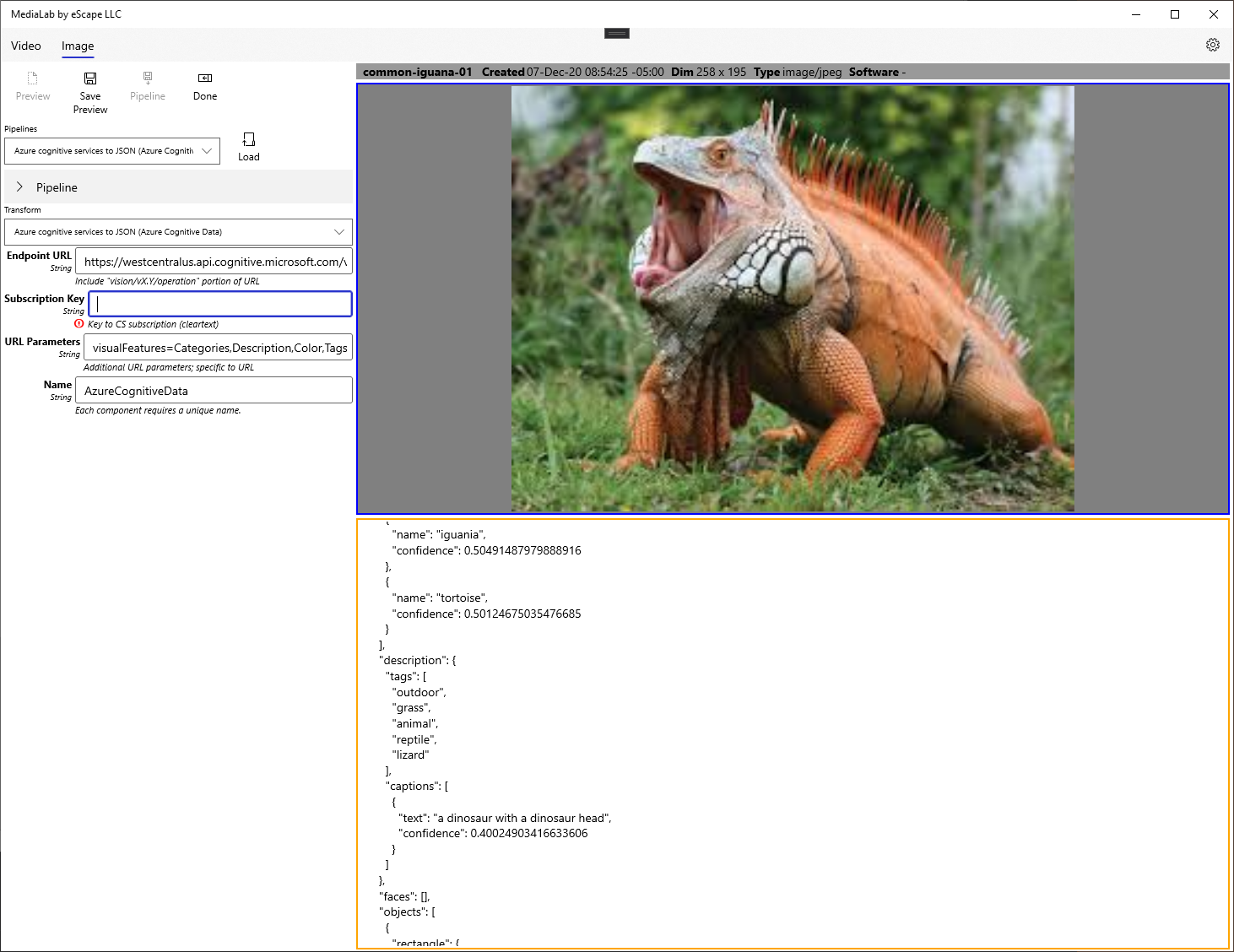
We are happy to announce that package 1.0.11.0 of MediaLab is live in the Windows Store. Please see previous post for more details, or visit the documentation wiki here.
Category: Announcement
-
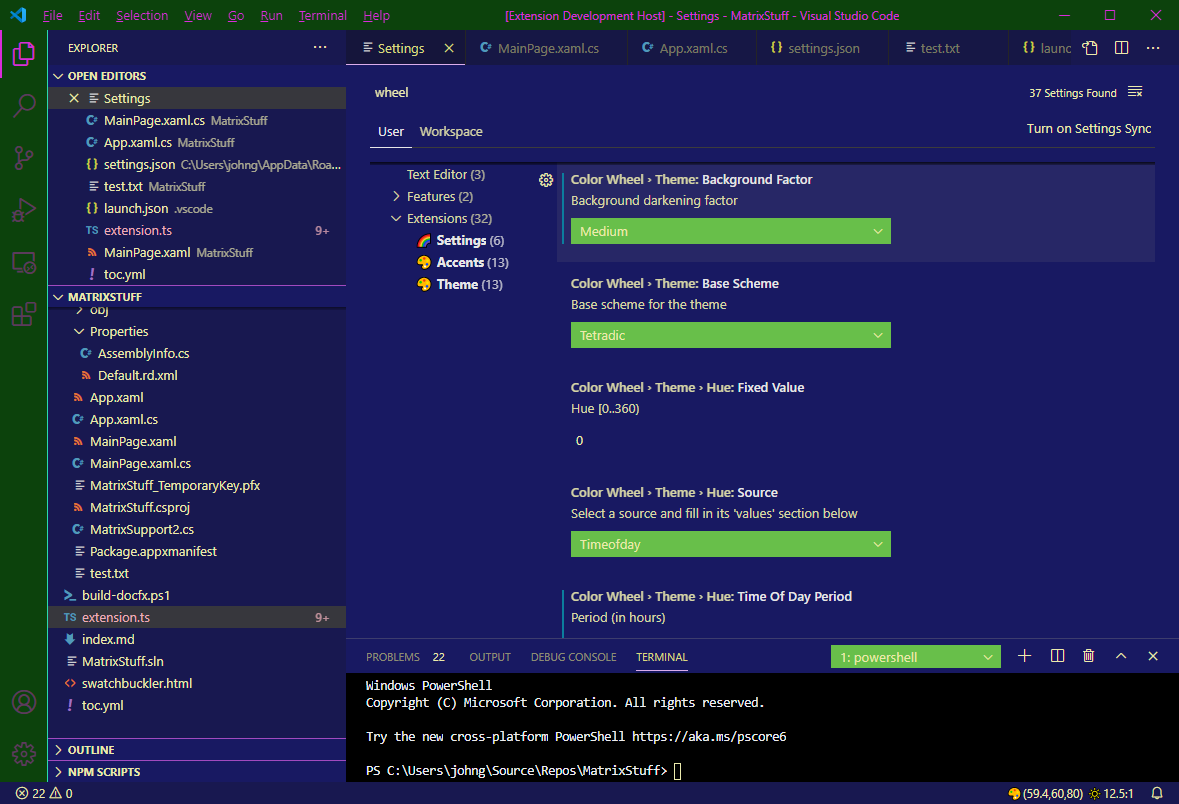
Color Wheel Update in VS Code Marketplace
We are happy to announce another update to our VS Code Extension Color Wheel.
This update includes a shiny new Weather Status Bar Item. The extension has the weather forecast (if settings enable it) so it was “a natural”.
-
MediaLab in Windows Store
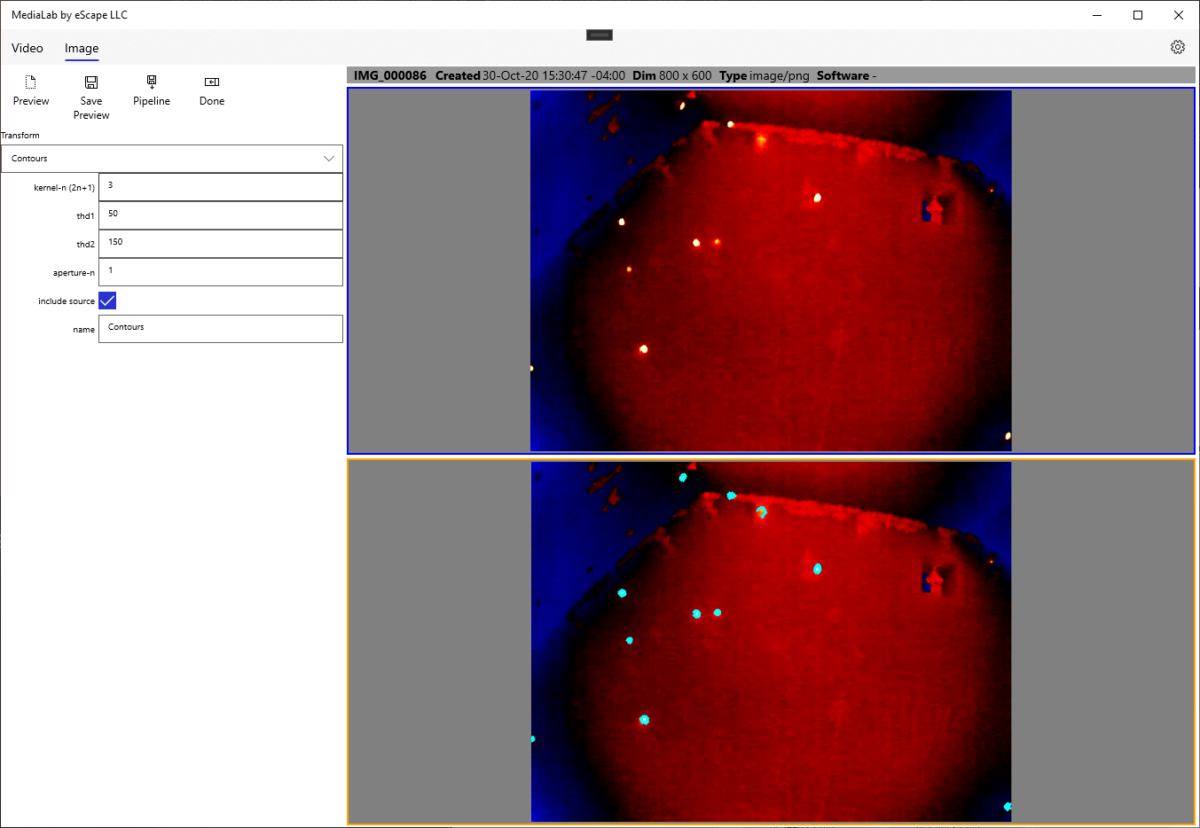
We are happy to announce MediaLab is now in the Windows Store.
MediaLab is a video and image processing tool featuring access to OpenCV operations without having to program directly in Python or C++.
With MediaLab you can:
- Extract frames from a video and save them into a folder for later processing.
- Combine saved frame folder into a “slideshow” type video.
- Analyze individual images with OpenCV operations and save these in JSON for use elsewhere in the application.
- Process a saved frame folder through an OpenCV “pipeline” to create new frames or extract data into CSV files.
- Process a video directly through an OpenCV “pipeline” to create new frames or extract data into CSV files.
-
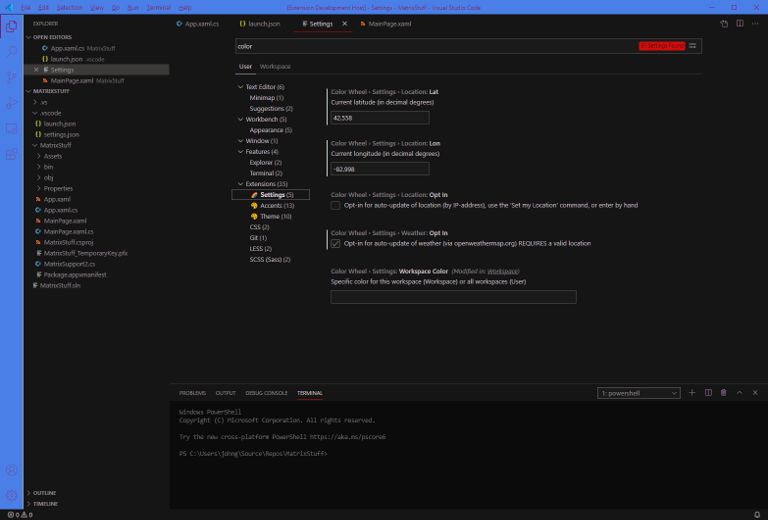
New VS Code Extension
We are very happy to announce that we have just published a new VS Code extension, a theme called “The Color Wheel” and it is a dynamically-changing theme for your IDE.
Please take a look here for more info https://marketplace.visualstudio.com/items?itemName=escape-technology-llc.the-color-wheel
-
Bot Invasion
There was a recent rash of bot-based registrations, sorry for the inconvenience if we deleted your account “by accident”. We have tightened down the registration process.
For any of those that are for Real People, please make sure to answer the Android Device prompt with the name of an actual Android Device!
-
We Have SSL!
You will all be happy to know, our hosting provider, JustHost.com, has recently enabled free SSL for our account.
Now you can access all of this goodness from the secure comfort of HTTPS!
We will be updating URLs on the front page, but you can access this site directly via HTTPS.
-
Documentation Site Updated
If you didn’t know, we publish packages on nuget.org, and keep a documentation site here.
We just pushed a full update of that site. You may need to do a “simple” refresh, or you may need to do a “hard” refresh, to get the latest content. This is something to do with docfx using Web Workers, and they do not detect the new content.
-
Package on Nuget
-
New Video for Dictator
Just added a new video to our YouTube channel. You can head over to the Gallery page, or just hit this link.

